
RapidPair™ is SCAN~LINK's configuration and maintenance software designed to simplify the setup and ongoing management of passive RFID worker detection systems. From pairing compatible Antenna and Display Units to adjusting detection ranges and retrieving valuable system data, RapidPair™ helps streamline deployment, troubleshooting, and system maintenance.
Configure Your SCAN~LINK System
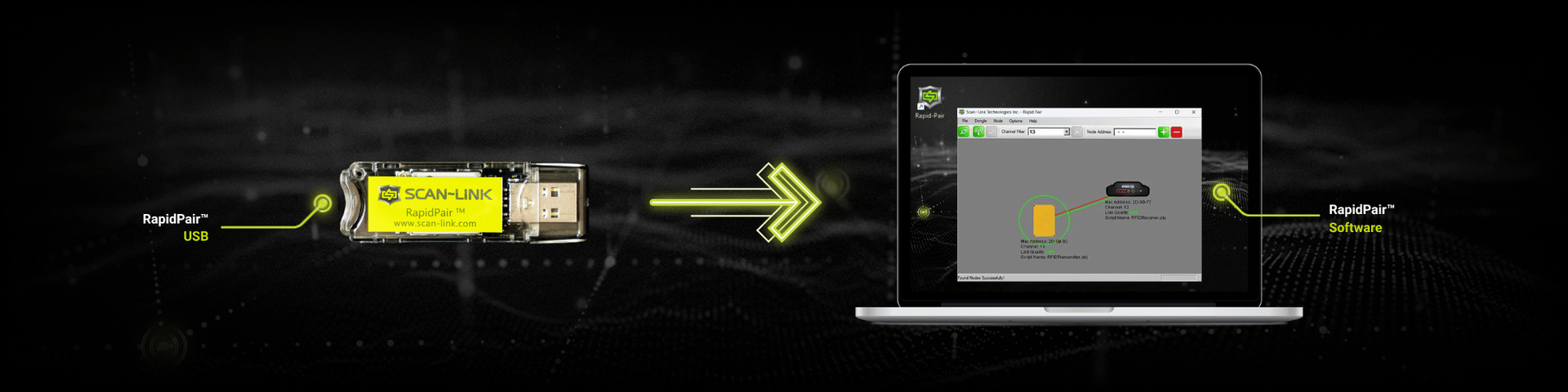
RapidPair™ provides an intuitive interface for configuring SCAN~LINK passive RFID worker detection systems. From initial setup to ongoing maintenance, users can quickly pair compatible devices, modify system settings, and optimize detection performance without complex programming.
Pair Devices
Wirelessly pair compatible Antenna and Display Units for reliable system communication.
Configure Settings
Adjust operating parameters and system behavior to match your equipment and application.
Utilize Detection Data
Access valuable operating data to support diagnostics, maintenance, and operational visibility.
Flexible Configuration
Quickly modify system settings as equipment, layouts, or jobsite requirements change.
Access Valuable Detection & System Data
RapidPair™ provides access to valuable operating data collected by SCAN~LINK Antenna Units. Review detection events, system diagnostics, and equipment activity to support troubleshooting, maintenance, and operational decision-making.

Differentiate between detections, startup events, and system status notifications.

View the recorded GPS location of detection events to improve operational visibility.

Review self-diagnostic events to help verify system health and simplify troubleshooting.

Identify whether detections occurred from the front or rear Antenna on compatible multi-antenna systems.

See whether a detection involved passive RFID-embedded safety apparel or a passive RFID asset tag.
Why this Data Matters
Access to historical detection events and system diagnostics helps organizations verify system performance, simplify maintenance, troubleshoot equipment more efficiently, and better understand how their SCAN~LINK worker detection systems are operating in the field.
RapidPair Specifications
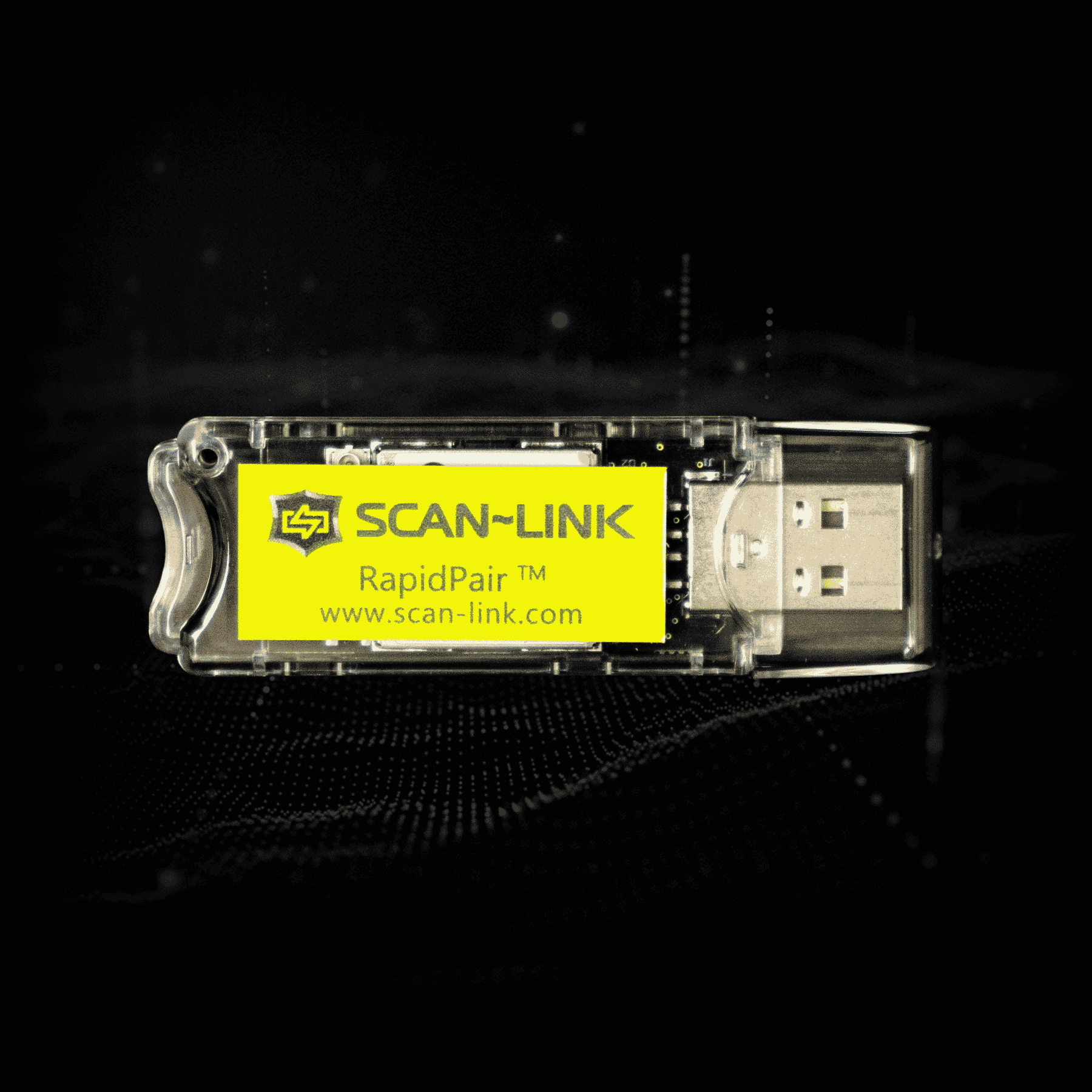
RapidPair™
A USB Dongle and software that allows a computer to communicate with SCAN~LINK Armour devices. It is used for configuring settings, troubleshooting, download data, and pairing devices together.
Specifications
- Drag & drop interface
- Compatible with Microsoft® Windows™ operating systems
- Dimensions: 2.78” x 0.9” x 0.35” / 7.06cm x 2.29cm x 0.89cm
- Operating Temperature: 0°C – 70°C / 32°F – 158°F
RapidPair Tutorials & Demonstration Videos
Explore step-by-step tutorials that demonstrate how to install, configure, and use RapidPair™ with compatible SCAN~LINK passive RFID worker detection systems. These videos help simplify setup, pairing, and system configuration.
How to Install RapidPair™
Learn how to install RapidPair™ and prepare your computer for configuring SCAN~LINK passive RFID worker detection systems.
This tutorial walks through the installation process so you can quickly begin pairing devices, configuring system settings, and maintaining compatible Antenna and Display Units.
How to Pair Antenna Unit to Display Unit
See how RapidPair™ wirelessly pairs compatible SCAN~LINK Antenna and Display Units to establish reliable system communication.
This step-by-step tutorial demonstrates the pairing process, helping installers quickly commission new systems or replace existing components with confidence.
How to Adjust Detection Range
Learn how to customize detection ranges in RapidPair™ to suit different types of heavy equipment, operating environments, and jobsite conditions.
Detection ranges can be adjusted to accommodate different equipment sizes, layouts, and work environments.
FAQs
Find answers to common questions about SCAN~LINK RapidPair™ software and system configuration.
What is RapidPair™?
RapidPair™ is SCAN~LINK's configuration and maintenance software for the Armour System™. It allows users to pair compatible Antenna and Display Units, configure system operating parameters, customize detection settings (such as detection range), and retrieve valuable operating data from SCAN~LINK Antennas.
What can RapidPair™ configure?
RapidPair™ can configure compatible SCAN~LINK Antenna Units, Display Units, and the Tag Health Tester. Users can pair devices, customize operating parameters, adjust detection ranges, and modify system settings to meet the requirements of different equipment types, applications, and jobsite environments.
Can RapidPair™ configure multiple antennas?
Yes. RapidPair™ can configure compatible SCAN~LINK Antenna Units and Display Units used throughout the Armour System™. It enables users to pair devices, modify operating parameters, configure system settings, and manage multiple system components from a single software interface, simplifying deployment and ongoing maintenance.
How do I pair an Antenna Unit to a Display Unit?
RapidPair™ provides a simple interface for pairing compatible SCAN~LINK Antenna and Display Units. Please see our in-depth video on how to pair an Antenna Unit to a Display Unit. The tutorial is available on this page and on our Support page.
What operating data can RapidPair™ retrieve?
RapidPair™ provides access to operating data collected by SCAN~LINK Antenna Units. Depending on the system configuration, users can review detection events, date and time stamps, GPS coordinates, event types, Antenna orientation, RFID tag types, and system diagnostic information to support maintenance and troubleshooting.
Can I adjust detection ranges with RapidPair™?
Yes. RapidPair™ allows users to configure and fine-tune detection ranges to suit different types of heavy equipment, operating environments, and jobsite requirements. This flexibility helps organizations tailor SCAN~LINK worker detection systems to a wide range of industrial applications.
Watch our tutorial on how to adjust the detection range here. Or watch the video on our YouTube channel.
Related Products
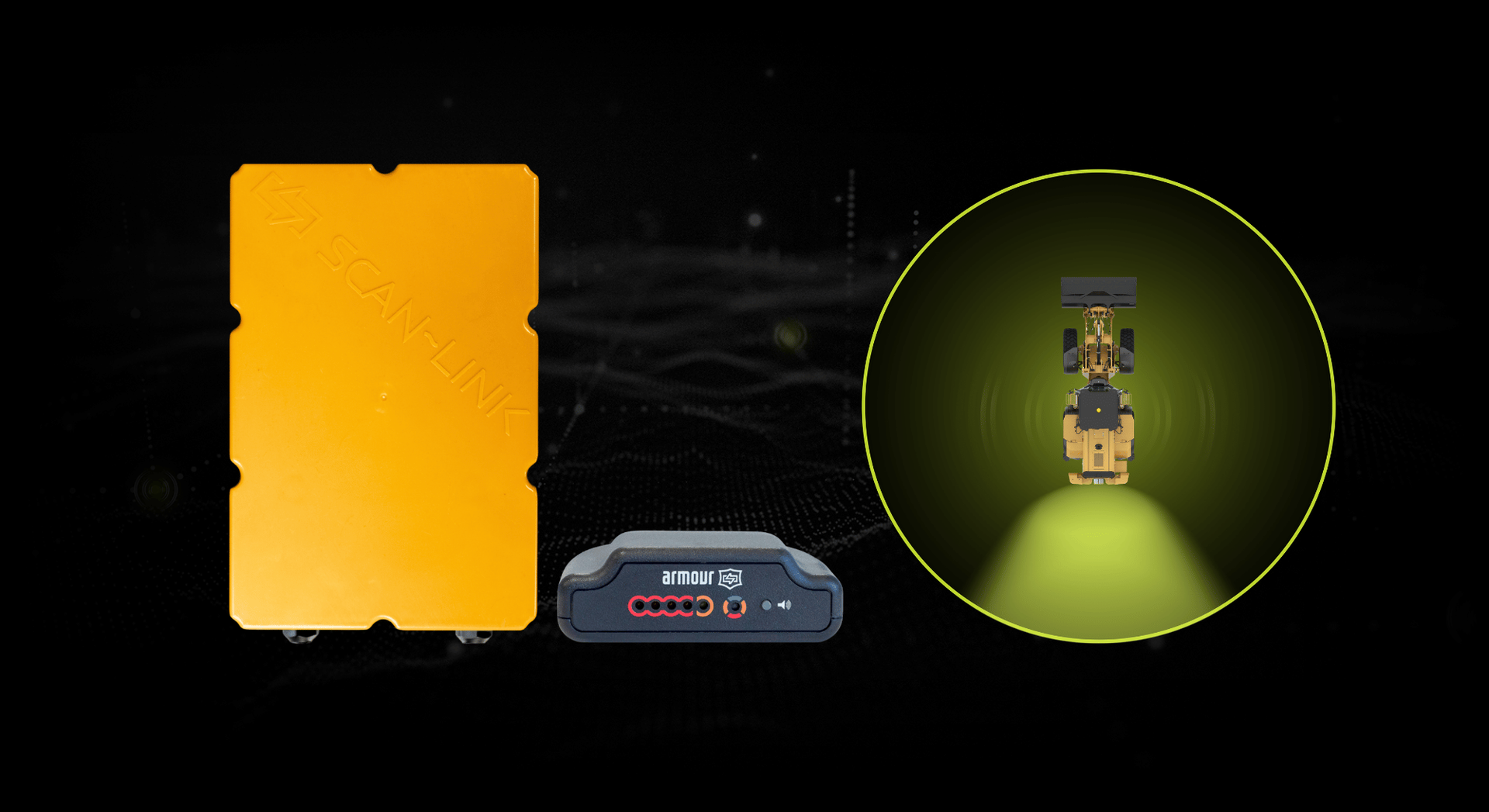
Single Node Detection System
Cover blind spots around heavy equipment with targeted passive RFID detection designed to help prevent and reduce struck-by risks.
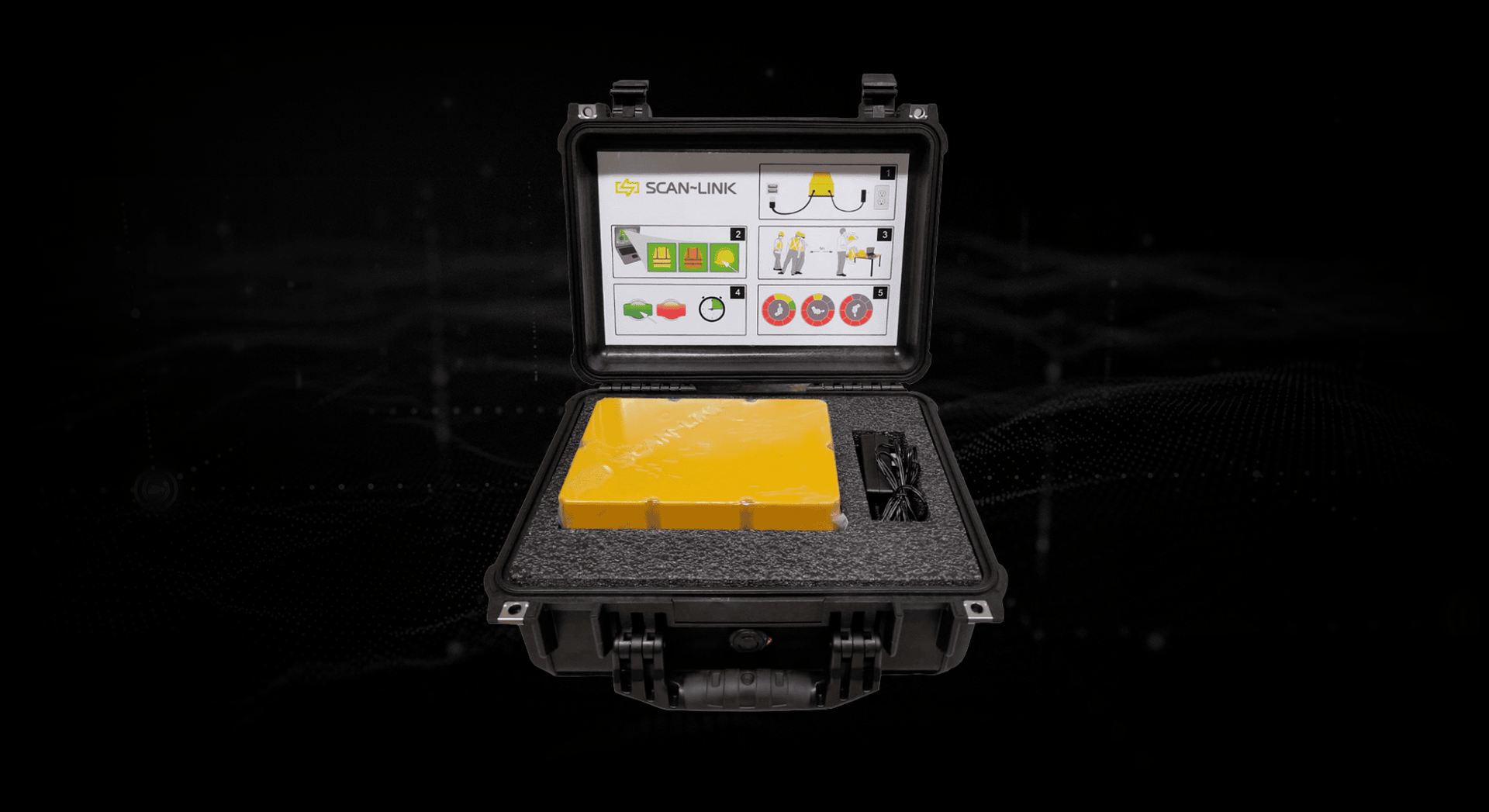
Tag Health Tester
The SCAN~LINK Tag Health Tester checks all RFID tags in SCAN~LINK safety PPE, verifying proper function and ensuring workers are reliably detected.
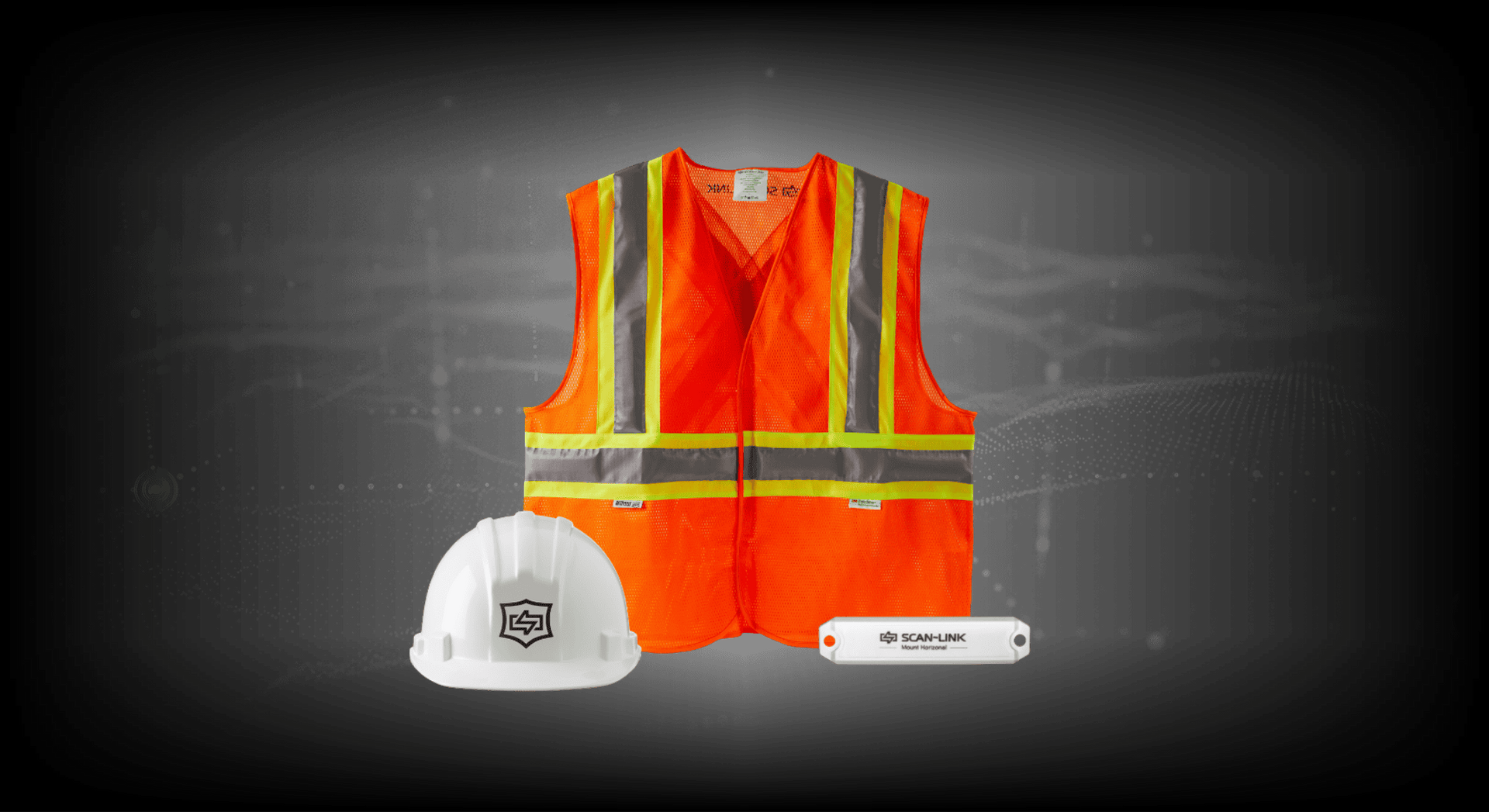
RFID-Embedded Safety PPE
Equip workers with passive RFID-embedded PPE that integrates seamlessly with SCAN~LINK detection systems for reliable protection.
We're Here to Support Your Safety Goals
Contact us to learn how SCAN~LINK’s passive RFID safety solutions improve safety and compliance, or request pricing and a detailed quote tailored to your jobsite.
Contact Us
Contact Us
13 Windward Dr.
Unit 204
Grimsby, Ontario
L3M 4E8
T: 1-905-304-6100
Toll Free: 1-866-554-5582
info@scan-link.com