SCAN~LINK's software tools simplify the installation, configuration, testing, and long-term maintenance of passive RFID worker detection systems. From configuring antennas and displays with RapidPair™ to verifying RFID tag performance using the Tag Health Tester, our software solutions help ensure reliable operation while reducing installation time and maintenance effort.
Configure Systems
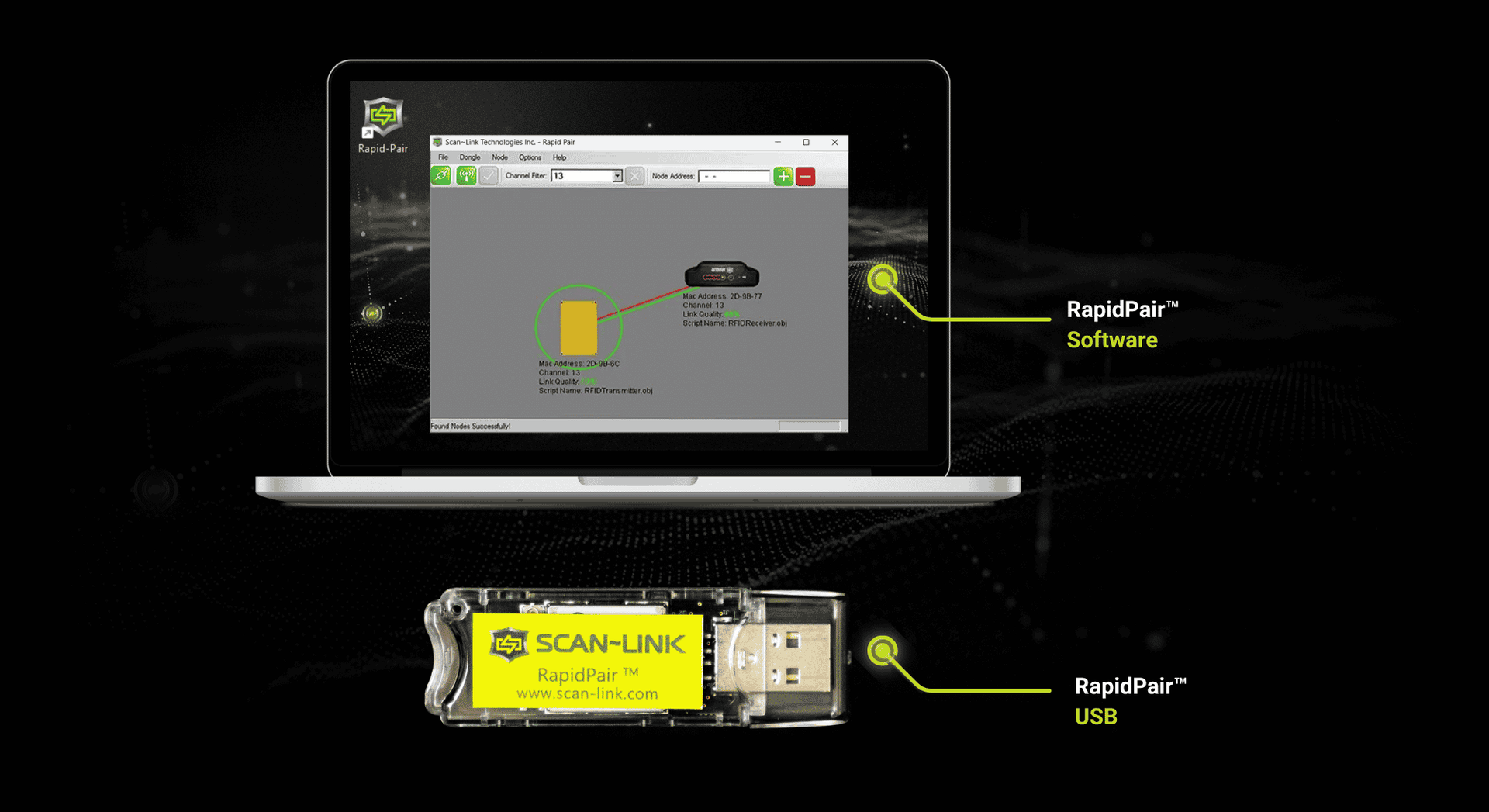
RapidPair™
Configure Antennas, Display Units, and system settings using RapidPair™ software for fast deployment and customized detection zones.
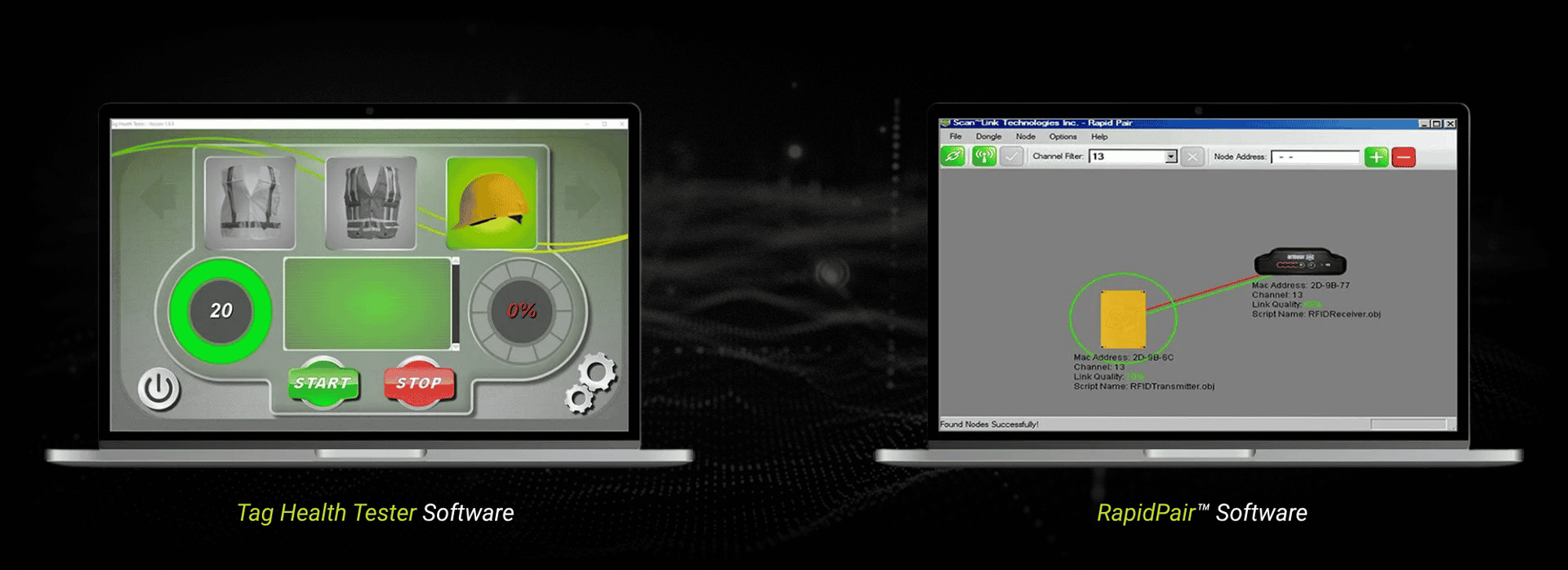
RapidPair™ simplifies the configuration, pairing, and maintenance of SCAN~LINK passive RFID worker detection systems. Configure Antenna and Display Units, customize operating parameters, and access valuable system data to support installation, troubleshooting, and ongoing maintenance.
- Pair Antenna & Display Units
- Configure operating parameters
- Retrieve system log data
- Configure the Tag Health Tester
Verify RFID Tags
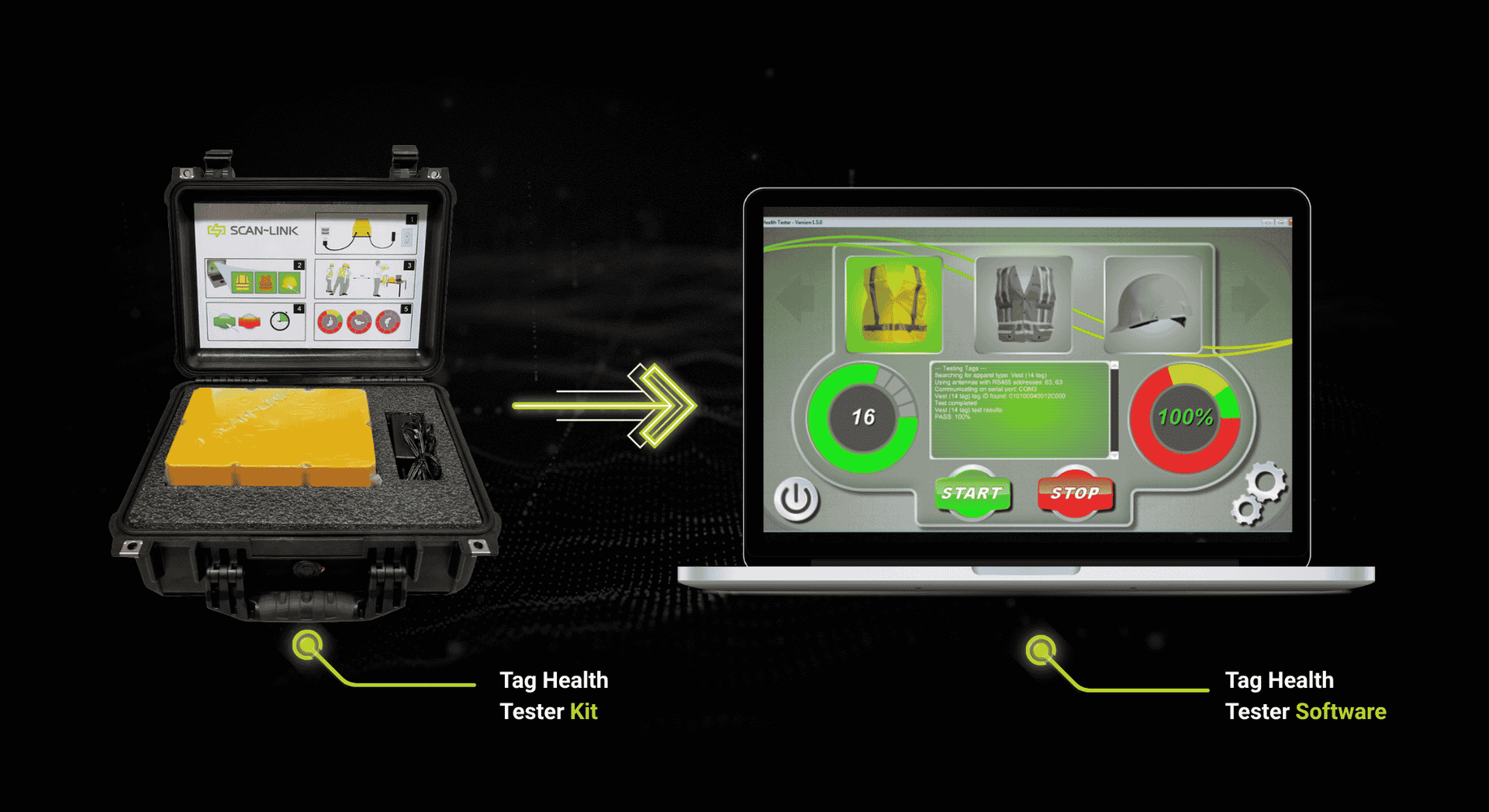
Tag Health Tester
Quickly confirm that passive RFID tags are functioning correctly to simplify troubleshooting and reduce unnecessary equipment downtime.
The Tag Health Tester verifies the health of every passive RFID tag embedded in SCAN~LINK safety apparel. Easily identify damaged or non-functioning tags, confirm apparel readiness, and assign PPE to individual workers for improved record keeping and data analysis.
- Verify RFID tag health
- Test all embedded apparel tags
- Assign PPE to workers
- Simplify troubleshooting
Our Software Products
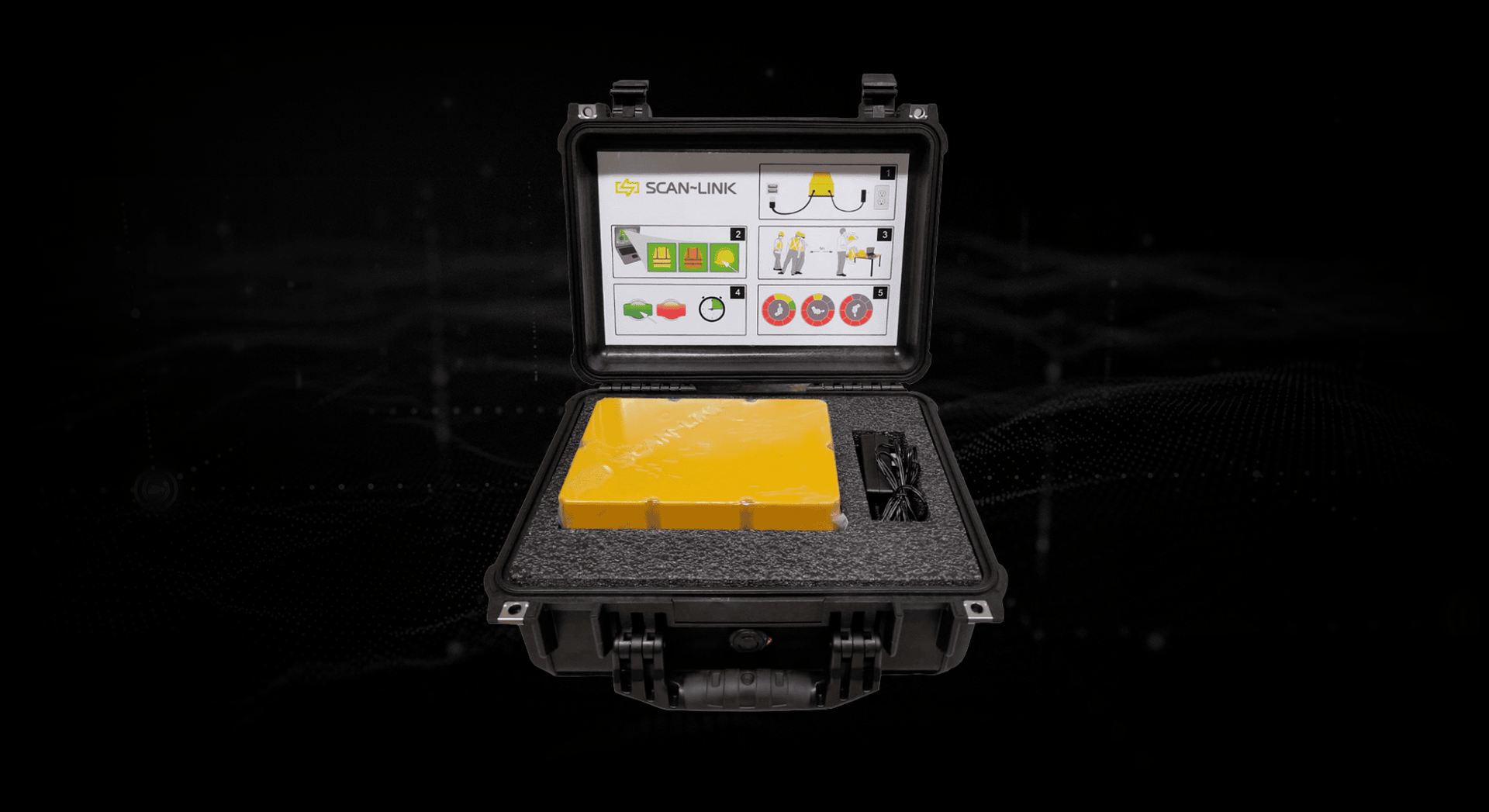
SCAN~LINK Tag Health Tester
The SCAN~LINK Tag Health Tester checks all RFID tags in SCAN~LINK safety apparel, verifying proper function and ensuring workers are reliably detected on every jobsite.
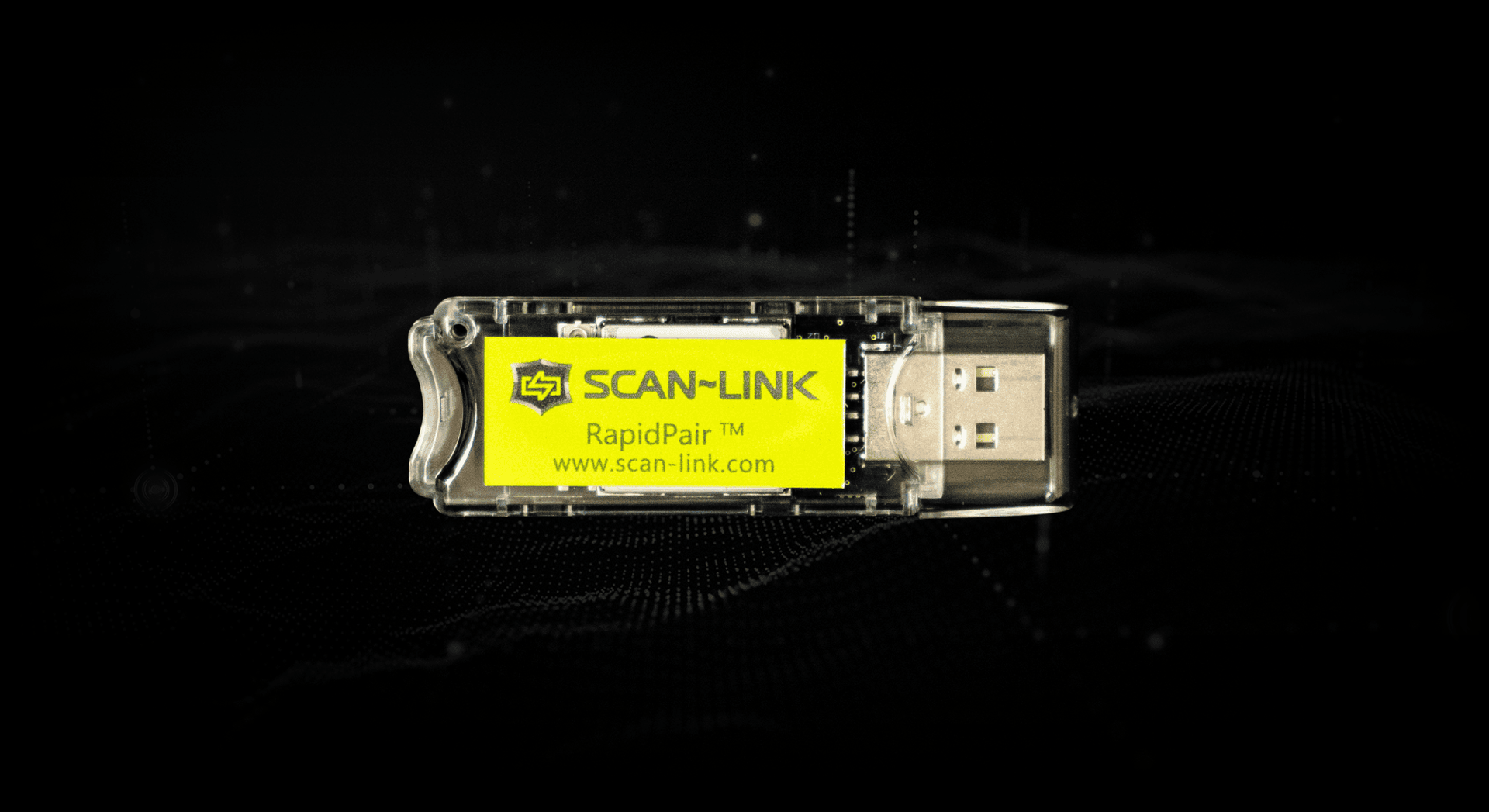
Why SCAN~LINK Software?
Easy Diagnostics
Quickly identify faulty tags and system issues.
Reliable Performance
Help keep RFID systems operating as intended.
Flexible Configuration
Customize detection zones and operating parameters.
FAQs
Find answers to common questions about SCAN~LINK software, including RapidPair™, the Tag Health Tester, system configuration, and passive RFID diagnostics.
What is RapidPair™?
RapidPair™ is SCAN~LINK's configuration and maintenance software for the Armour System™. It allows users to pair compatible Antenna and Display Units, configure system operating parameters, customize detection settings (such as detection range), and retrieve valuable operating data from SCAN~LINK Antennas. RapidPair™ is designed to help sinplify installation and maintenance, and helps ensure worker detection systems are configured correctly.
What is the Tag Health Tester?
The SCAN~LINK Tag Health Tester is a diagnostic tool that verifies the health and functionality of passive RFID tags embedded in SCAN~LINK safety apparel. Unlike a standard system detection, which only confirms that at least one tag is detected, the Tag Health Tester verifies that all embedded tags are present and functioning properly, helping maintain reliable worker detection performance.
Can RapidPair™ configure multiple antennas?
Yes. RapidPair™ can configure compatible SCAN~LINK Antenna Units and Display Units used throughout the Armour System™. It enables users to pair devices, modify operating parameters, configure system settings, and manage multiple system components from a single software interface, simplifying deployment and ongoing maintenance.
How do you test passive RFID tags?
Passive RFID tags can be tested using the SCAN~LINK Tag Health Tester. The tester verifies that every RFID tag embedded within SCAN~LINK safety apparel is present and functioning correctly, and helps identify damaged or non-functioning tags before they impact worker detection performance.
Why should RFID tags be tested?
Testing helps ensure passive RFID tags continue to perform as expected in demanding industrial environments. By verifying tag health before use, organizations can identify damaged apparel, simplify troubleshooting, maintain reliable worker detection performance, and help maximize the effectiveness of their SCAN~LINK passive RFID system.
Related Products
RapidPair™ Software
RapidPair™ Software and USB enables quick pairing and configuration of SCAN~LINK Antenna, Display Units, and Tag Health Testers.
Tag Health Tester
The SCAN~LINK Tag Health Tester checks all RFID tags in SCAN~LINK safety PPE, verifying proper function and ensuring workers are reliably detected.
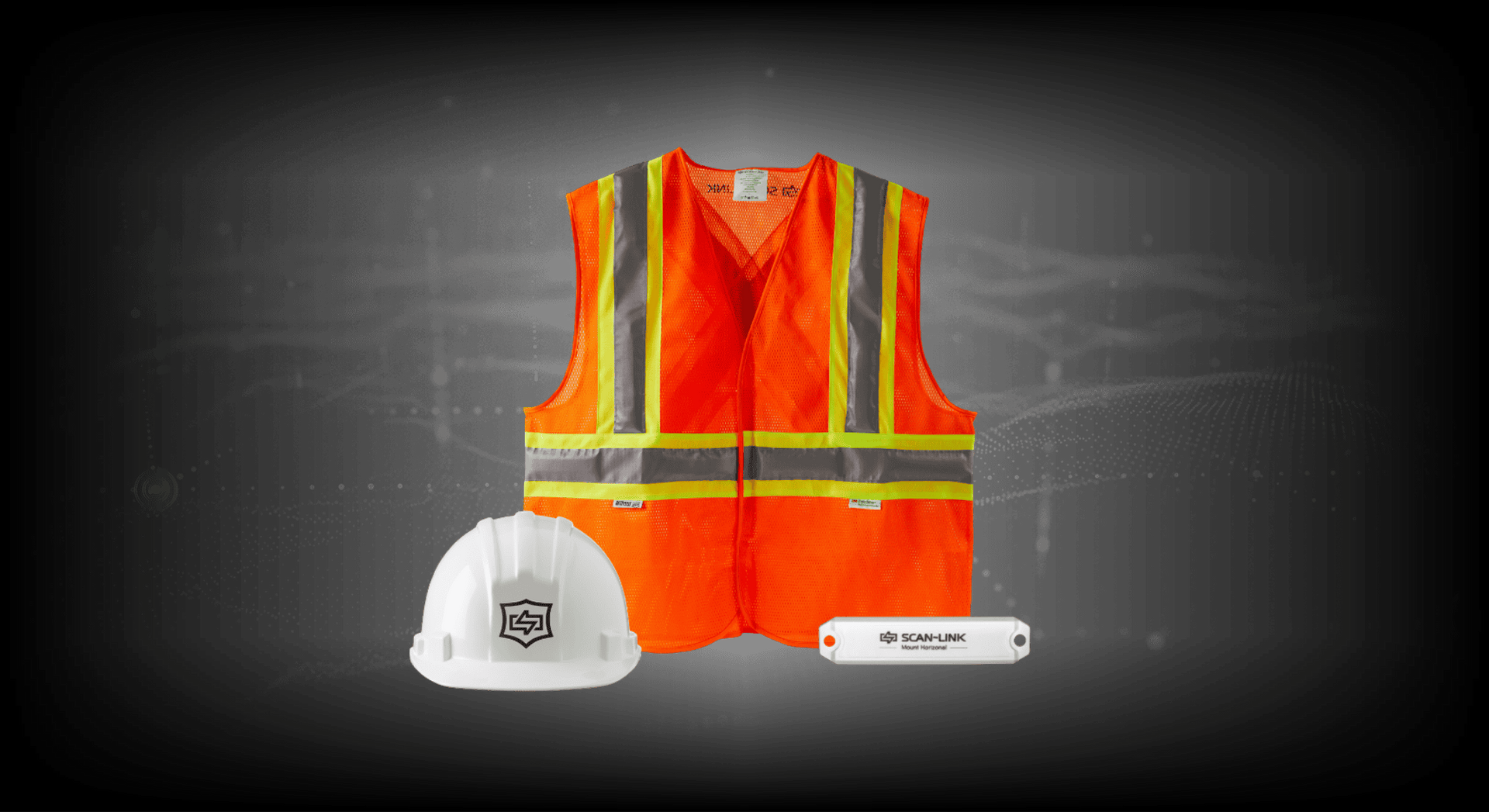
RFID-Embedded Safety PPE
Equip workers with passive RFID-embedded PPE that integrates seamlessly with SCAN~LINK detection systems for reliable protection.
We're Here to Support Your Safety Goals
Contact us to learn how SCAN~LINK’s passive RFID safety solutions improve safety and compliance, or request pricing and a detailed quote tailored to your jobsite.
Contact Us
Contact Us
13 Windward Dr.
Unit 204
Grimsby, Ontario
L3M 4E8
T: 1-905-304-6100
Toll Free: 1-866-554-5582
info@scan-link.com